








































Avlar Aalto Map
An interactive map of buildings and works by Finnish architect Alvar Aalto.

Nikita Slavin
Cartographer

This spring, a friend of mine visited me in Helsinki, and we wanted to check out a few Alvar Aalto buildings. Planning a route turned out to be surprisingly hard: plenty of articles online, but no map that’s actually usable. So I made one.
Aalto Map | aalto.kontikimaps.com is an interactive atlas with 127 Aalto buildings:
- Photos and short descriptions
- A smart trip planner (different transport modes)
- Visited and bookmarks lists
- Sharing: objects, routes, or saved lists
- Desktop and mobile UI
- English and Finnish
- Cookieless
- Photos and short descriptions
- A smart trip planner (different transport modes)
- Visited and bookmarks lists
- Sharing: objects, routes, or saved lists
- Desktop and mobile UI
- English and Finnish
- Cookieless
Aalto Map | aalto.kontikimaps.com is an interactive atlas with 127 Aalto buildings:
- Photos and short descriptions
- A smart trip planner (different transport modes)
- Visited and bookmarks lists
- Sharing: objects, routes, or saved lists
- Desktop and mobile UI
- English and Finnish
- Cookieless
- Photos and short descriptions
- A smart trip planner (different transport modes)
- Visited and bookmarks lists
- Sharing: objects, routes, or saved lists
- Desktop and mobile UI
- English and Finnish
- Cookieless
Details and a bit of process
This project was also my first proper dive into Claude Code — and yes, I got that “wow effect” too, even if the current flood of “AI changed my life” posts is starting to feel a bit much. If you know your domain and have some taste, the results can be genuinely impressive.
Stack
- Vanilla HTML/JS, no build step, a deliberate choice for simplicity and control , with Mapbox for maps and routing
- Cookieless setup with Plausible Analytics (EU-based, independent)
Stack
- Vanilla HTML/JS, no build step, a deliberate choice for simplicity and control , with Mapbox for maps and routing
- Cookieless setup with Plausible Analytics (EU-based, independent)
Design
I went for a black-and-white architectural aesthetic.
On one hand, it’s easier to make things look clean and nice, on the other, I like working with constraints, it forces better decisions.
Using Mapbox Standard with a custom LUT gives a “architectural model” feel at the monochrome map when you zoom in.
I went for a black-and-white architectural aesthetic.
On one hand, it’s easier to make things look clean and nice, on the other, I like working with constraints, it forces better decisions.
Using Mapbox Standard with a custom LUT gives a “architectural model” feel at the monochrome map when you zoom in.


Routing
Started on Google Directions, switched to Mapbox Directions when the costs got out of hand. No public transport routing for now, but the free tier is much friendlier.
One small detail I like: If you switch a segment to walking, the planner routes you back to your car afterwards, instead of pretending the car teleports to the next point.
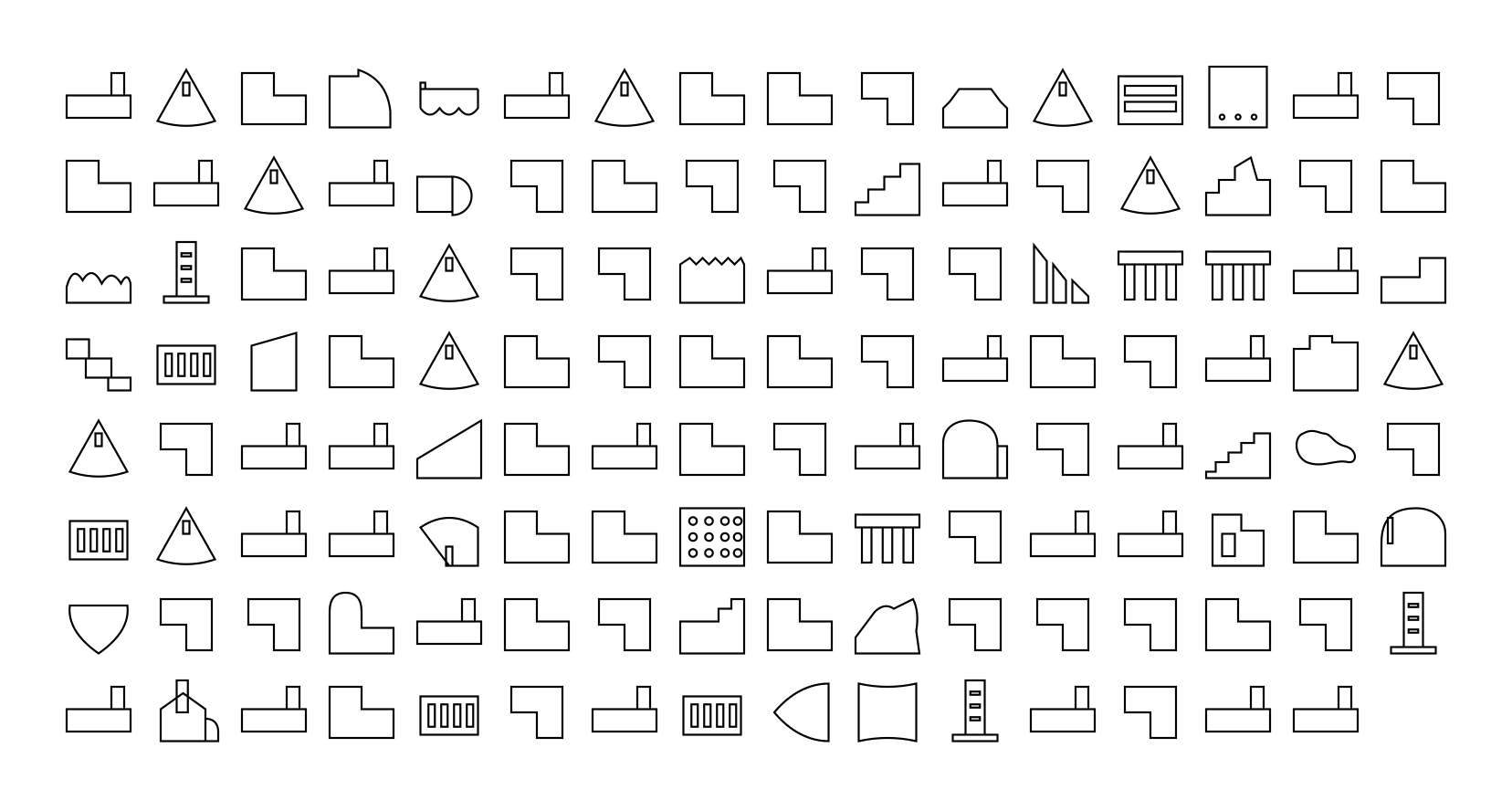
Icons
Close to release, Claude Design came out and I ran the project through it — very solid critique.
One suggestion was to add photos to the list view — didn’t feel right.
Instead, we landed on icons:
- schematic building silhouettes for known objects
- simple placeholders for the rest
They’re AI-generated — a bit weird in places, but overall add some life.
UI

Desktop more or less came together naturally and feels quite intuitive.
Mobile took real effort: fitting the same functionality into a small screen is always tricky, but the result feels solid and usable.
Tip: you can save it as an app via Share → Add to Home Screen — works surprisingly well.
That’s my first proper vibe-coding experiment.
Thanks to everyone who helped with feedback and reviews along the way.
Happy architectural routes!
Thanks to everyone who helped with feedback and reviews along the way.
Happy architectural routes!
